Fig. 1 · Joshua Tree, booting live in your browser Tap to look around.

or try it live above, or put it on a Raspberry Pi 4
Meet Samantha.
Boot straight into her. Type what you want, and she runs the machine.

Type what you want and she opens an app, sets a reminder, jots a note, or checks the weather. She opens with her eyes open and talks back with her portrait on the dock.
Samantha comes from Turing, a separate project. Joshua Tree is the machine she runs.
Everything you need is already there.
A full set of apps, built from nothing but a screen and a keyboard.
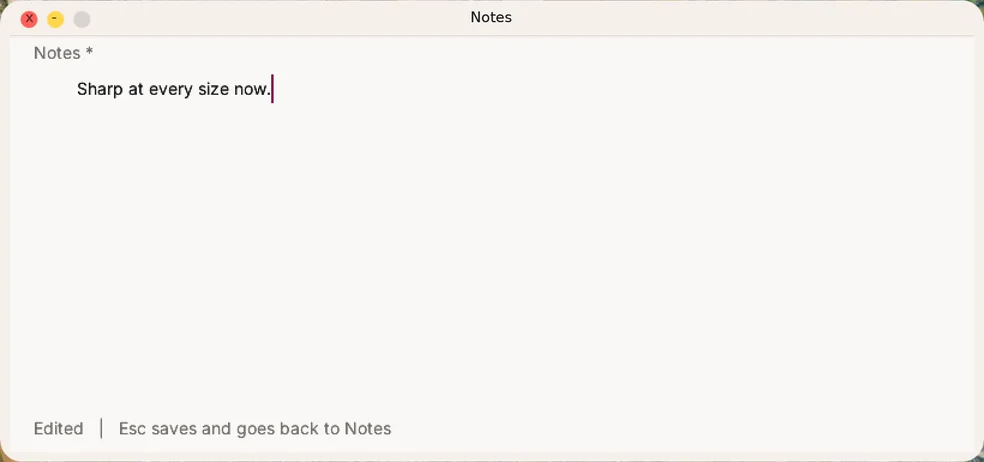
Notes. Six fonts, any size, sharp at every one.
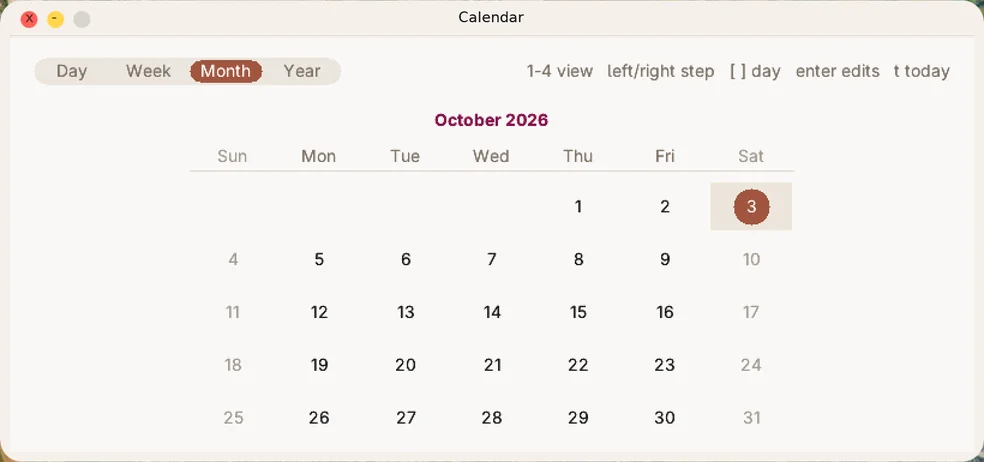
Calendar. See your days and your plans at a glance.
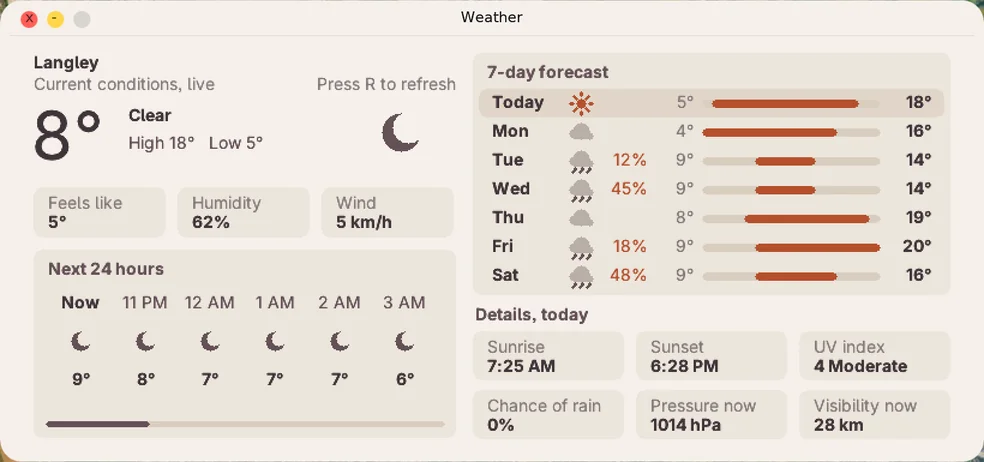
Weather. Know what to wear before you walk out.
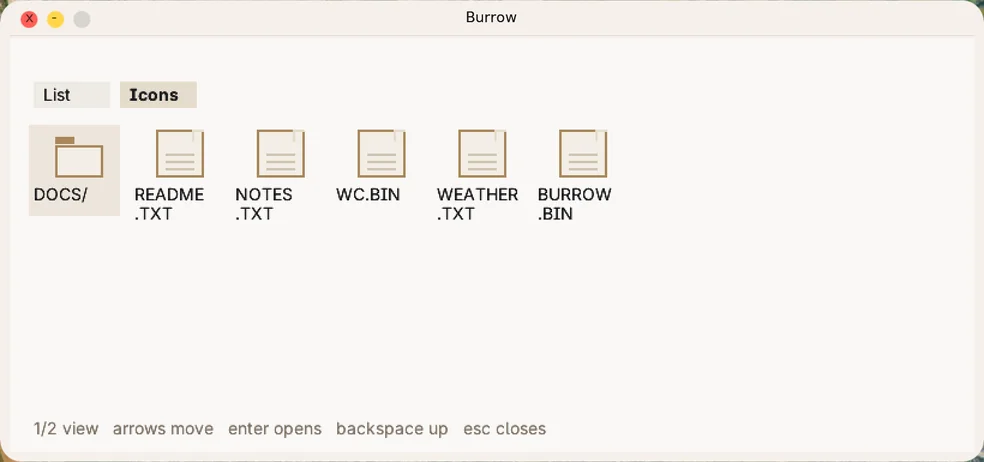
Burrow. Every file on the machine, right where you left it.
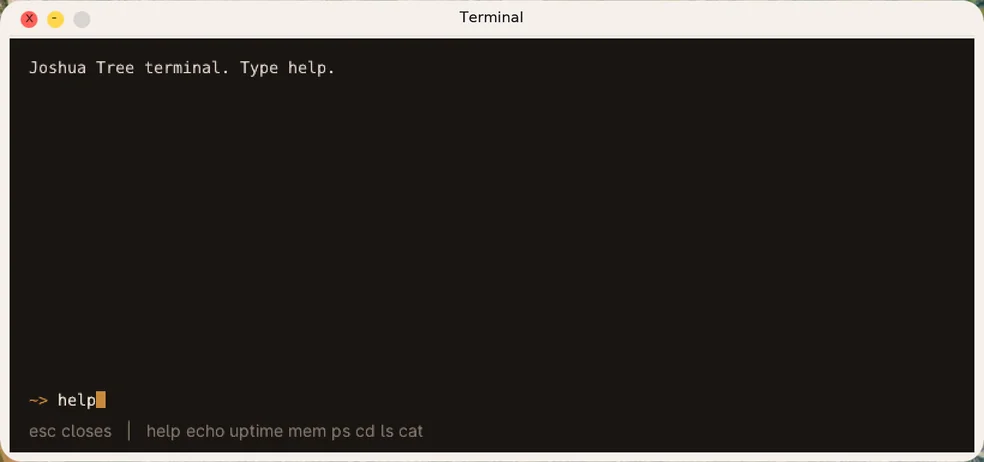
Terminal. Type a command and it answers back.
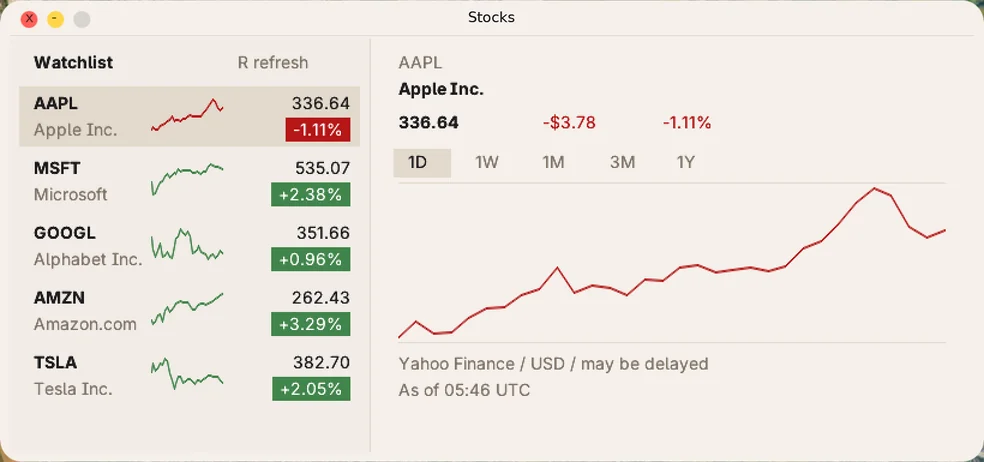
Stocks. Keep an eye on a watchlist without leaving the desktop.
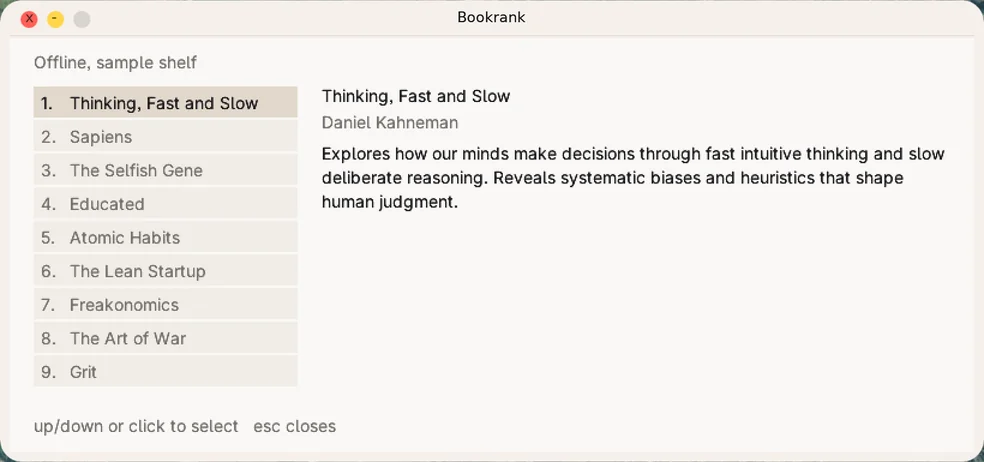
Bookrank. A ranked shelf with a short summary of each book.
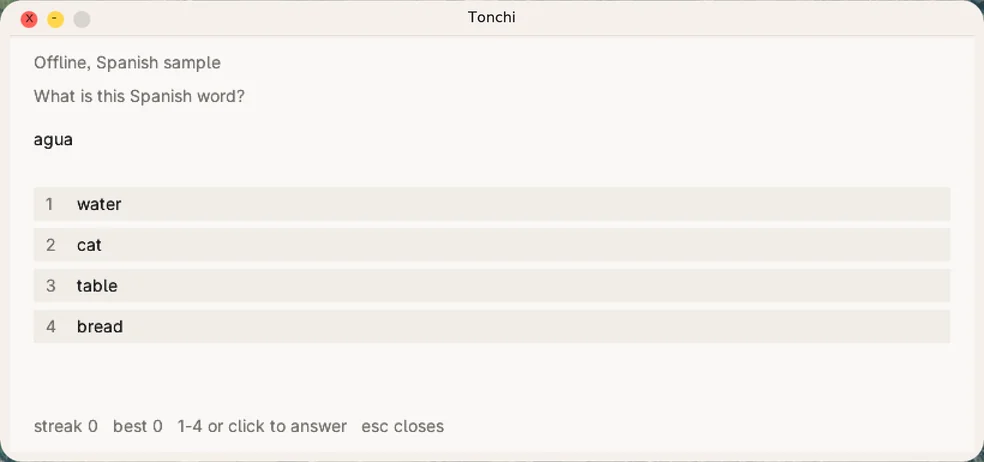
Tonchi. Pick a course, answer a question at a time, keep your streak.
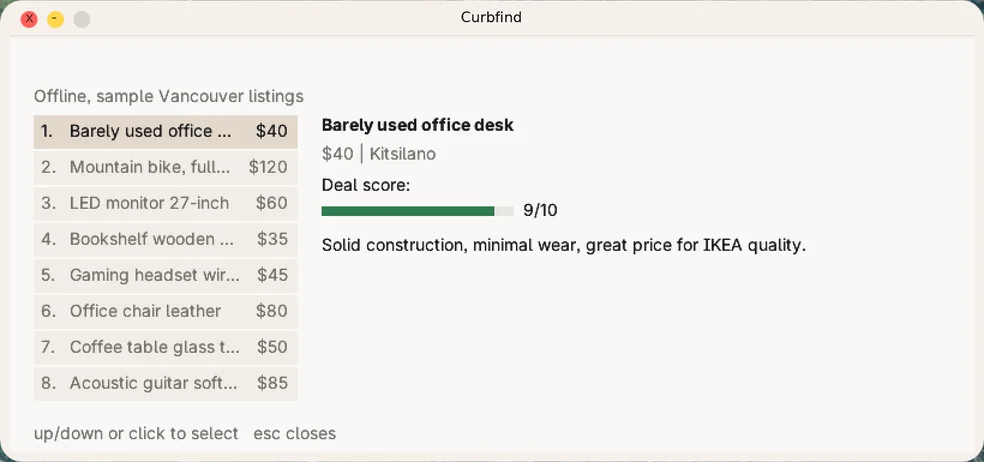
Curbfind. Local listings, each with a deal score.
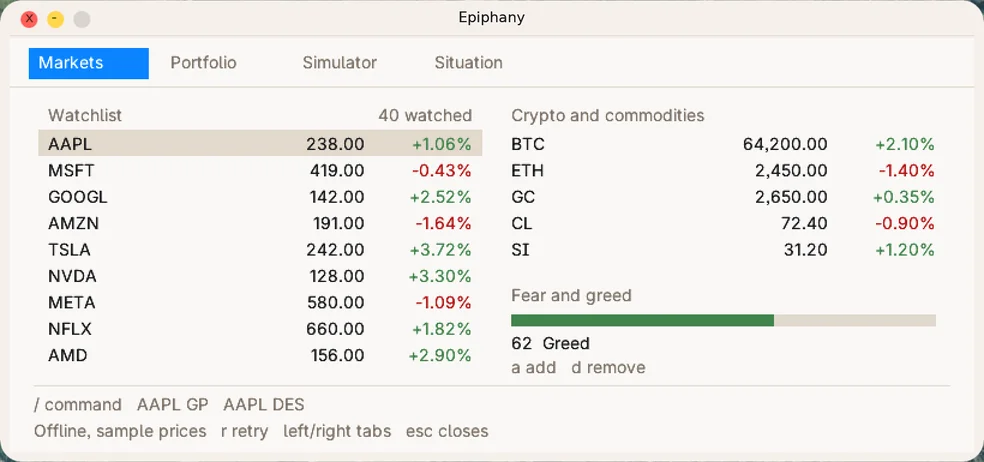
Epiphany. Markets, portfolio and a command bar in one window.
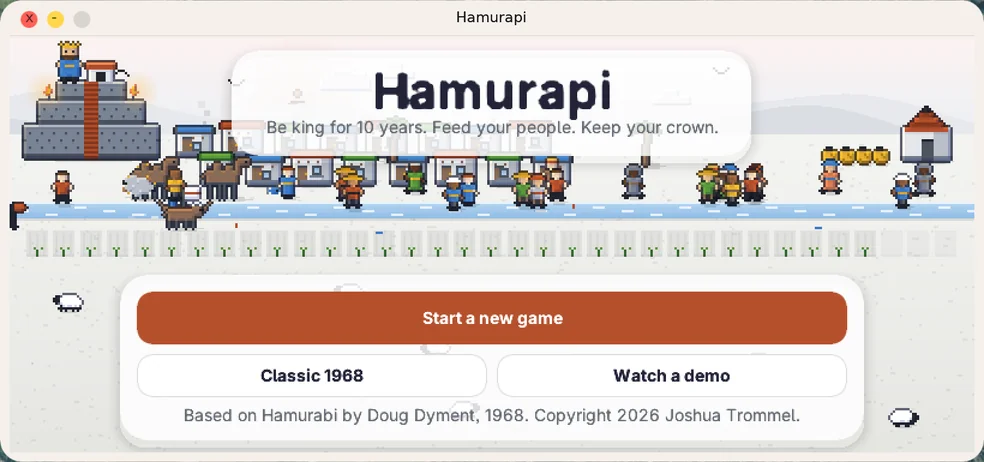
Hamurapi. Be king for ten years, feed your people, keep your crown.
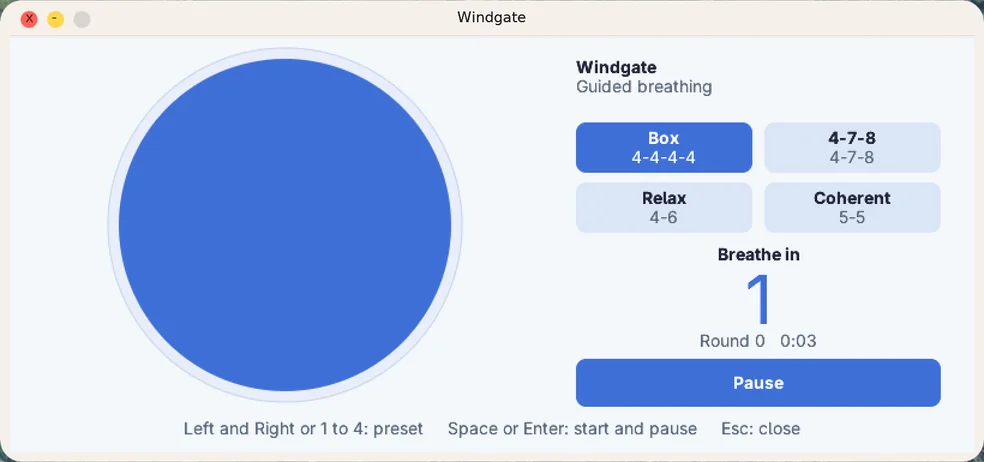
Windgate. A circle to breathe with, four patterns, no account.
One app crashes. The desktop stays up.
Each app runs as its own protected program, walled off from the kernel and from every other app. 32 of the 32 run that way now. Every app is out of the kernel.
Now on a real Raspberry Pi.
The same desktop, on a small board you can hold. One command puts it on an SD card. Here is what works on a Pi 4 today, and what does not yet.
The whole desktop. Wallpaper, menu bar, dock and windows, full screen at 1080p. It boots to a screen with the tree and a progress bar.
Apps that cannot hurt it. Calendar, Notes and Music run in user mode, walled off from the kernel. If one crashes, the desktop carries on.
It keeps your files. The Pi reads and writes its own SD card. Notes saves two seconds after your last key, and the note is still there after you pull the power.
A Bluetooth mouse. It scans, pairs and moves the pointer, so there is no cable to find. USB keyboards and mice work any time, with Caps Lock and key repeat. The first test on a real Bluetooth mouse is the next step.
Sound and your music. Volume keys, a beep, and a Music app that plays the MP3s you own, with their titles, artists and covers. Apple Music downloads are out; their files are locked.
Samantha, on the board. Type a question and she answers from Turing, our own model, through a small relay on your Mac. The Pi finds the relay by itself and checks its certificate. No cloud and no key.
Wi-Fi, done by hand. The Pi's radio chip cannot join a protected network on its own, so Joshua Tree does the WPA2 handshake itself, gets an address and sets its clock from the internet.
Still ahead. Many windows at once, and the rest of the desktop apps on the Pi. See the roadmap.
Tech specs
For the curious. Every number here is measured from the real thing, not promised.
Performance
Fast on nothing.
Measured headless in QEMU on a Mac Mini M4 by tools/bench.sh. Refreshed with every release. Every run, in full.
Architecture
- Kernel
- A freestanding kernel for PCs (i386) and the Raspberry Pi 4 (ARM64). No libc, and no dependencies beyond the toolchain.
- Apps
- 32 built in, 32 of them running as their own protected programs at ring 3.
- Read more
- Architecture · System calls · Threat model
Build
- Toolchain
- Stock clang and
ld.lld, cross-compiling straight to i386. No cross-toolchain to install. - Runs on
- QEMU, a real PC from a USB stick, or a Raspberry Pi 4 from an SD card.
- Commands
makebuildskernel.elf.make runboots it../check.shis the boot test.- Read more
- Testing
Documentation
Every source file has an entry in the architecture guide. Read it.
History
From a blank screen on Aug 31 to 32 apps today.
Next up: a demo that talks you through it, icons that match, and photos, games and voice notes.
Want one?
For anyone curious how a computer really works, and for developers who want to help build one.
It already boots on a real Raspberry Pi 4: the full desktop at 1080p, a USB keyboard, Wi-Fi it joins on its own, and Samantha to talk to. The dev kit is that board, ready to go. Leave your email, we'll tell you when it ships.
The 30 second version.
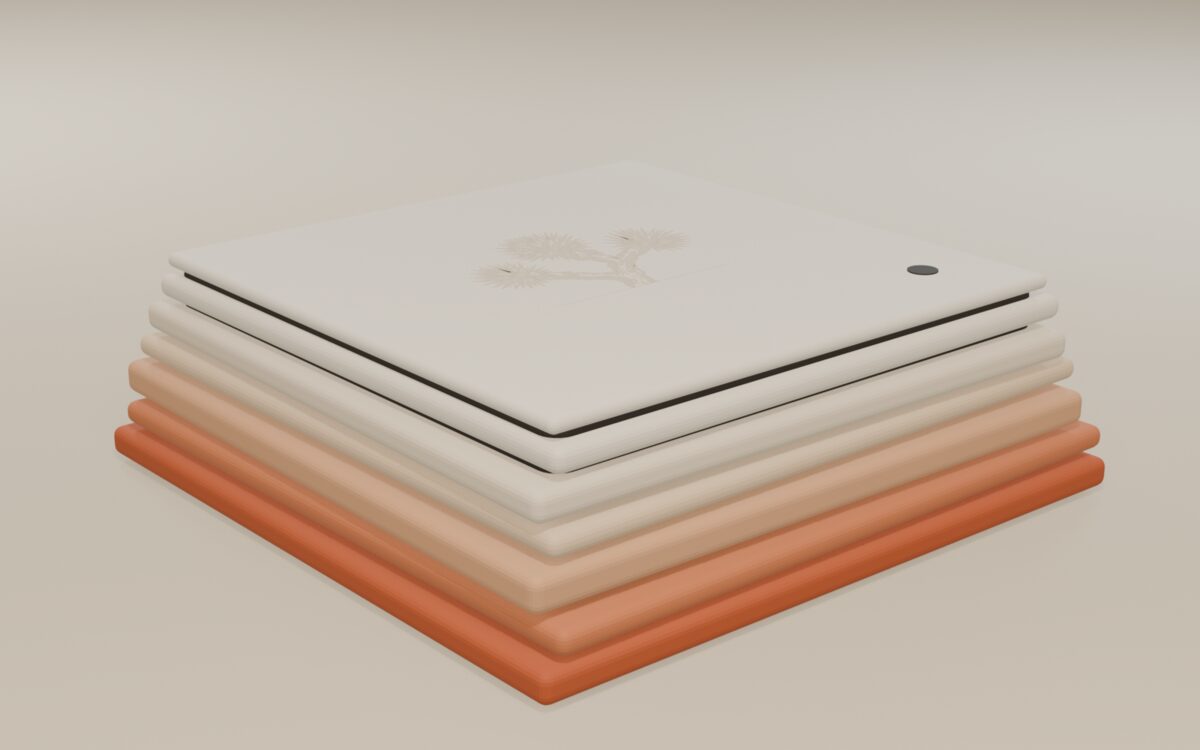
Neo, the case. A concept for now, not for sale yet. See the plans.